PyWPDoc — document automation and review
Validate templates, preview text edits and create tracked revisions for Word DOCX in Python. Hancom Hangul HWPX also supports the documented shared workflows.
Install with one command (from 0.44.0):
pip install pywpdoc
The previously published 0.44.0rc1 prerelease still needs pip install "pywpdoc[unified]==0.44.0rc1" for DOCX. New 0.44.0 publication is a separate release step.
Quick examples
Template preflight and filling
from pywpdoc import Document

doc = Document.new("docx")
doc.add_paragraph("Customer: {{customer.name}}")
values = {"customer": {"name": "Acme Corp"}}

check = doc.check_template(values)
if not check.ok:
    raise ValueError(check.missing_keys)
doc.render_template(values)
doc.save("contract.docx")
Tracked revisions
before = Document.new("docx")
before.add_paragraph("Amount: 100")
after = Document.new("docx")
after.add_paragraph("Amount: 200")
review = before.compare(after)
review.save("changes.docx")
Read-only replacement preview: doc.preview_replace("Old", "New") reports candidates without changing the document. Use replace_text() only after review.
Verified native-document previews
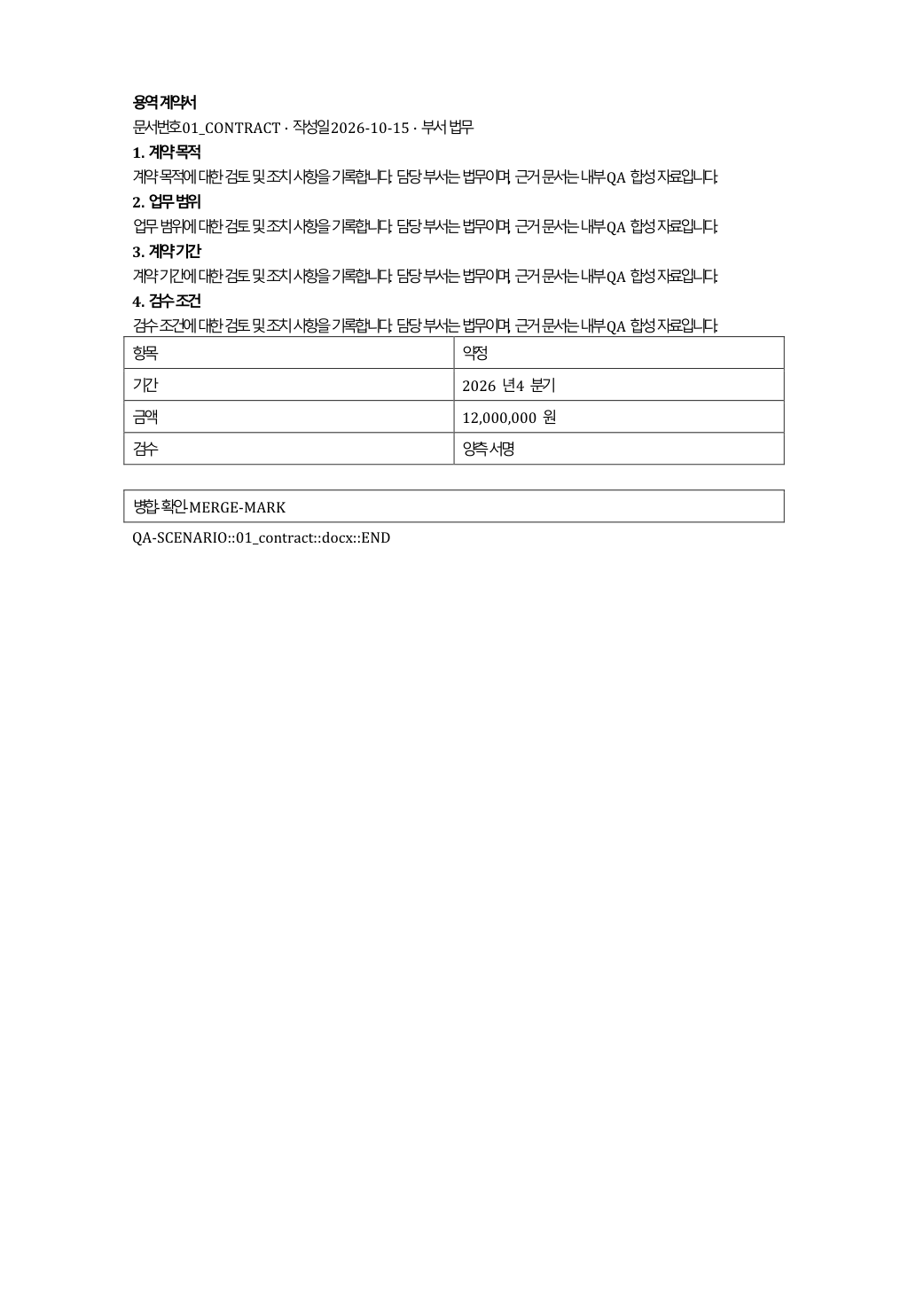
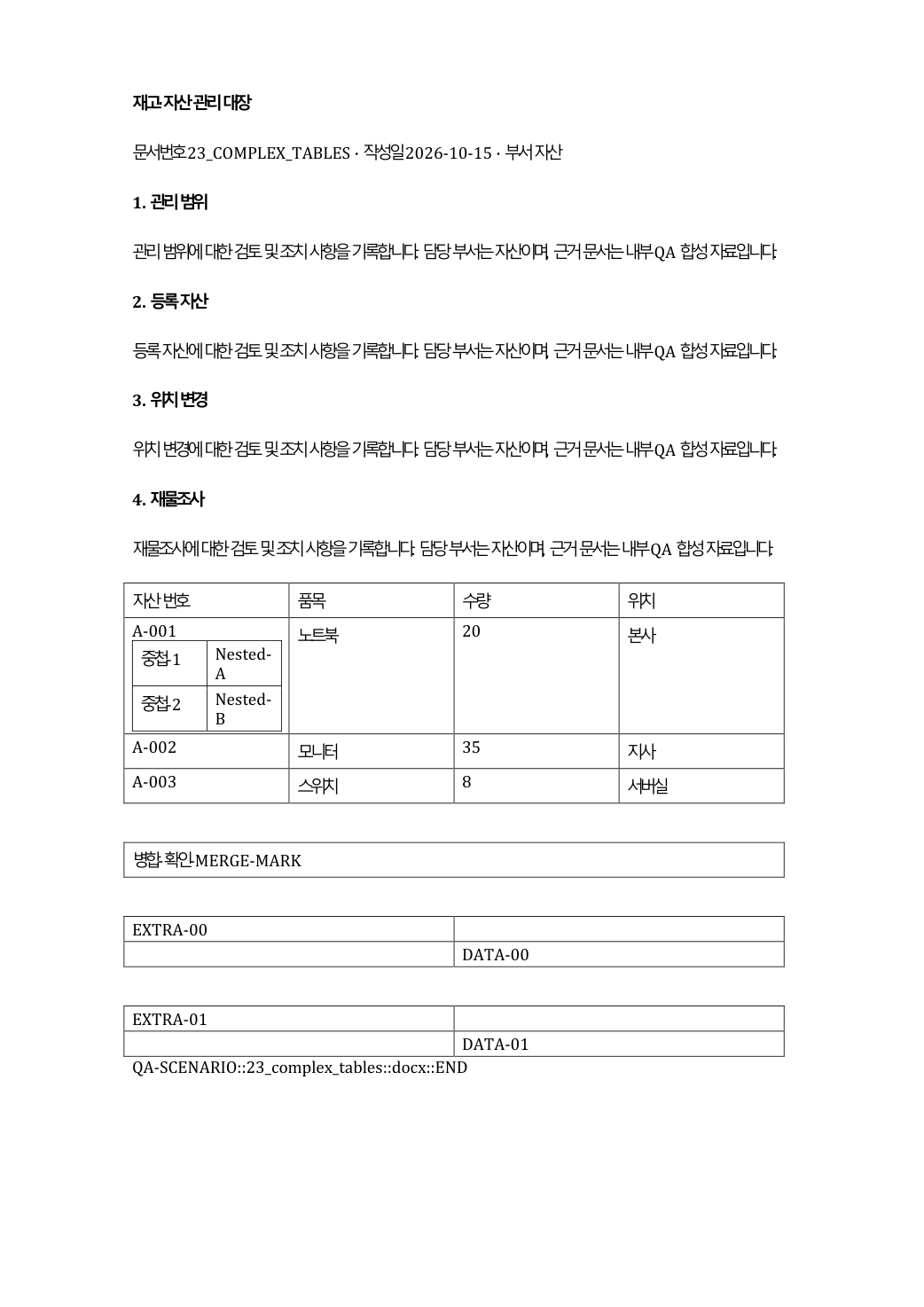
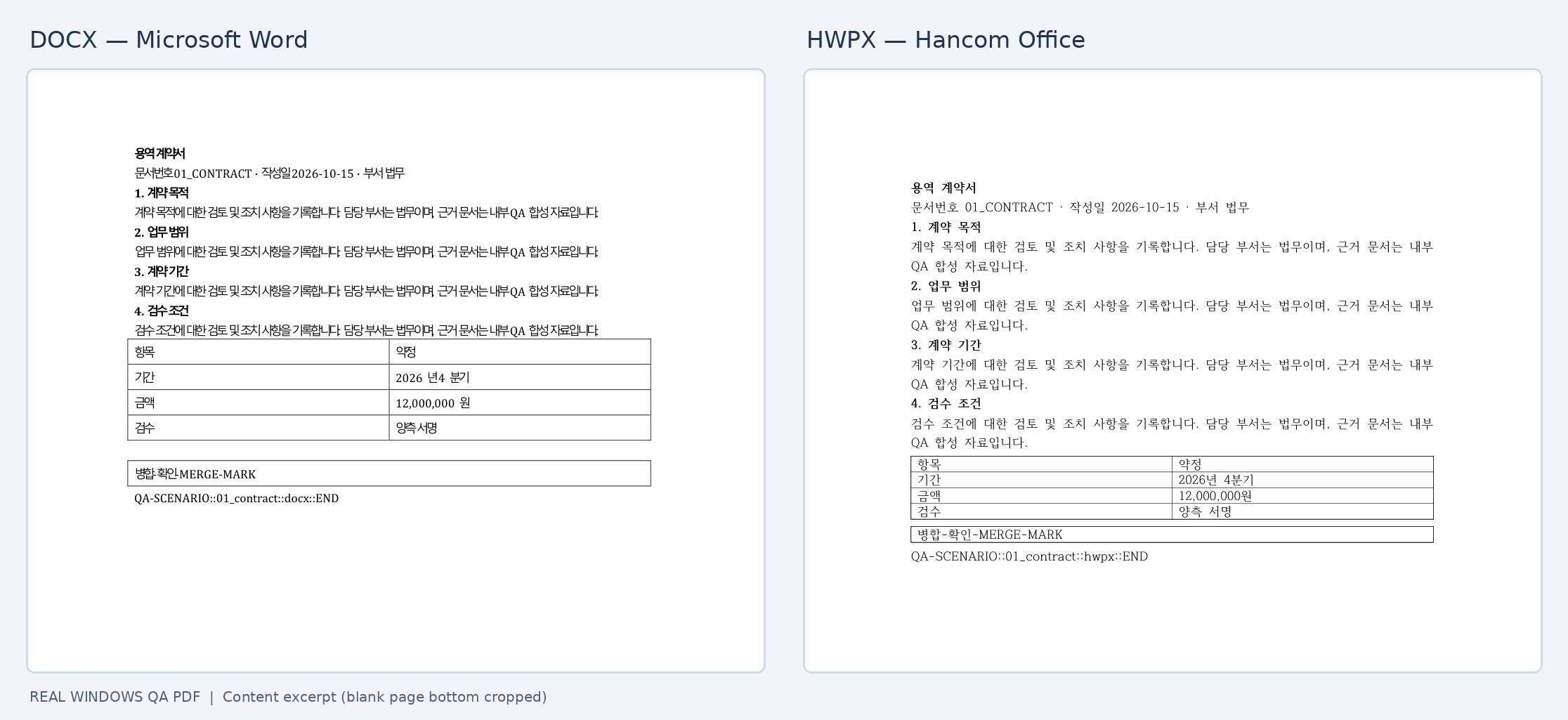
These images are from earlier Windows Word/Hancom QA, not freshly generated 0.44.0 visual-QA results or a tracked-revision screenshot. Provenance · Prior RC native test scope.
Jump straight to the right API
- Document API signatures and portable contract
- Template tags, preflight and rendering
- Tracked Changes and comparison
- Preview, find and replace
- Installation · Runnable examples
- Result types and exceptions
- Coding agent API selector · 한국어 가이드
Some document structures and text boundaries are deliberately unsupported. save() does not convert formats, binary .hwp is unsupported, and layout equality is never guaranteed. Compatibility · Limitations.